Phone Wallpapers
USD$0.00
Fun! Free! Cool! HiFi music-themed phone wallpapers.
Download
To set an image as a background on your phone:
iPhone
Open Settings: Tap the Settings app on your home screen.
Select Wallpaper: Scroll down and tap Wallpaper.
Choose a New Wallpaper: Tap Choose a New Wallpaper.
Select the Image: Browse and select the image you want to use.
Set the Wallpaper: Tap Set and choose whether you want it for your Lock Screen, Home Screen, or Both.
Android
Open Gallery: Open your Gallery app and select the photo you want to use.
Set as Wallpaper: Tap the three-dot menu icon and select Set as or Use as wallpaper.
Choose Screen: Choose whether you want it for your Home Screen, Lock Screen, or Both.
Creative Commons Non-Commercial License
This artwork is protected under a Creative Commons Attribution-Non-Commercial 4.0 International License (CC BY-NC)
By downloading the artwork, you agree to comply with the terms of this license. This means you are free to share and adapt the artwork, provided you give appropriate credit, do not use the material for commercial purposes, and indicate if changes were made.
For more details, please visit the Creative Commons website: https://creativecommons.org/licenses/by-nc/4.0/

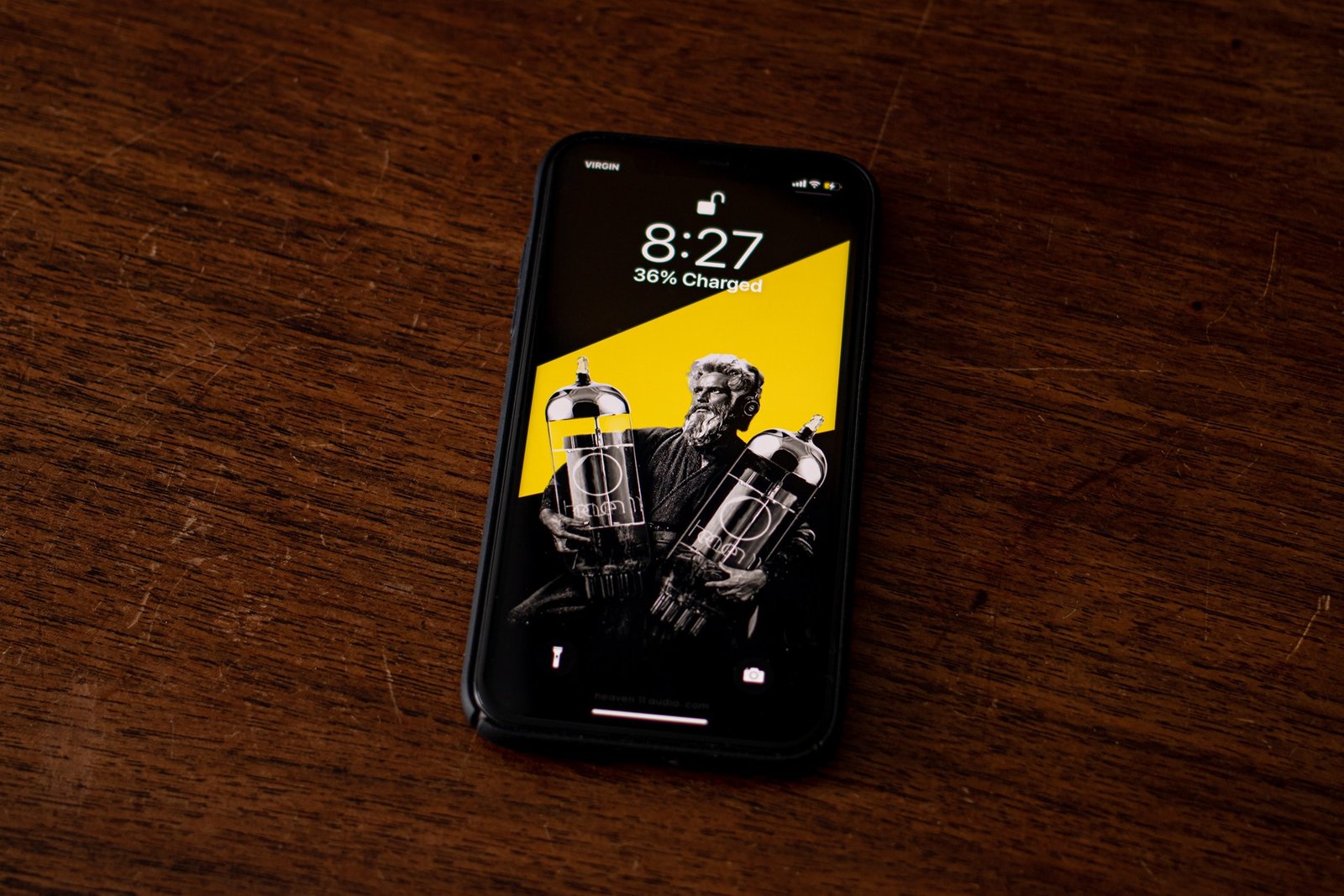
![Heaven 11[nbsp]hifi themed phone wallpapers](https://heaven11audio.com/wp-content/uploads/iPhone-11-single-Mockup_1.jpg "Phone Wallpapers | Heaven 11 Audio")
![Aural pleasures T-Shirt. Heaven 11[nbsp]Audio.](https://heaven11audio.com/wp-content/uploads/sahil-moosa-unsplash-auralpleasures-2-450x450.jpg)




![Stereo Strikes Back T-Shirt. Heaven 11[nbsp]Audio.](https://heaven11audio.com/wp-content/uploads/sahil-moosa-unsplash-stereostrikesback-scaled-450x450.jpg)