Billie MK1 | Firmware Updates

The latest firmware version is 8.2 (release date 06.01.2023). This is a recommended update. Please read instructions carefully and heed all warnings. If you need any assistance don’t hesitate to contact us

FW version 8.2

Added Feature: Tube Saver (on digital inputs only). Amplifier automatically shuts off if no input is detected for 30 consecutive minutes.

Bluetooth Settings: On standby, clicking and holding the source knob toggles between Bluetooth auto-connect ON [Bluetooth light winks twice, active by default] or OFF [Bluetooth light winks once]

Tube Saver Settings: On standby, double-clicking the source knob toggles between Tube Saver ON [Bluetooth light winks twice, active by default] or OFF [Bluetooth light winks once]
Upgrading the Billie Firmware In 11 Easy Steps

ATTENTION | FAILURE TO FOLLOW THESE INSTRUCTIONS CAN DAMAGE YOUR AMP. THESE DAMAGES ARE NOT COVERED BY THE WARRANTY.

This firmware is for Billie MK1 Only. Your Billie serial should start with the characters B1….
Billie MK2 firmware is available here
Billie MK3 firmware is available here

Never interrupt an upload in progress. You can “brick” and damage the CPU. Always wait for the upload to finish.

Always ground yourself before opening the amp (by pinching the vinyl ground pin, for example). Failure to do so can damage the fragile electronics.

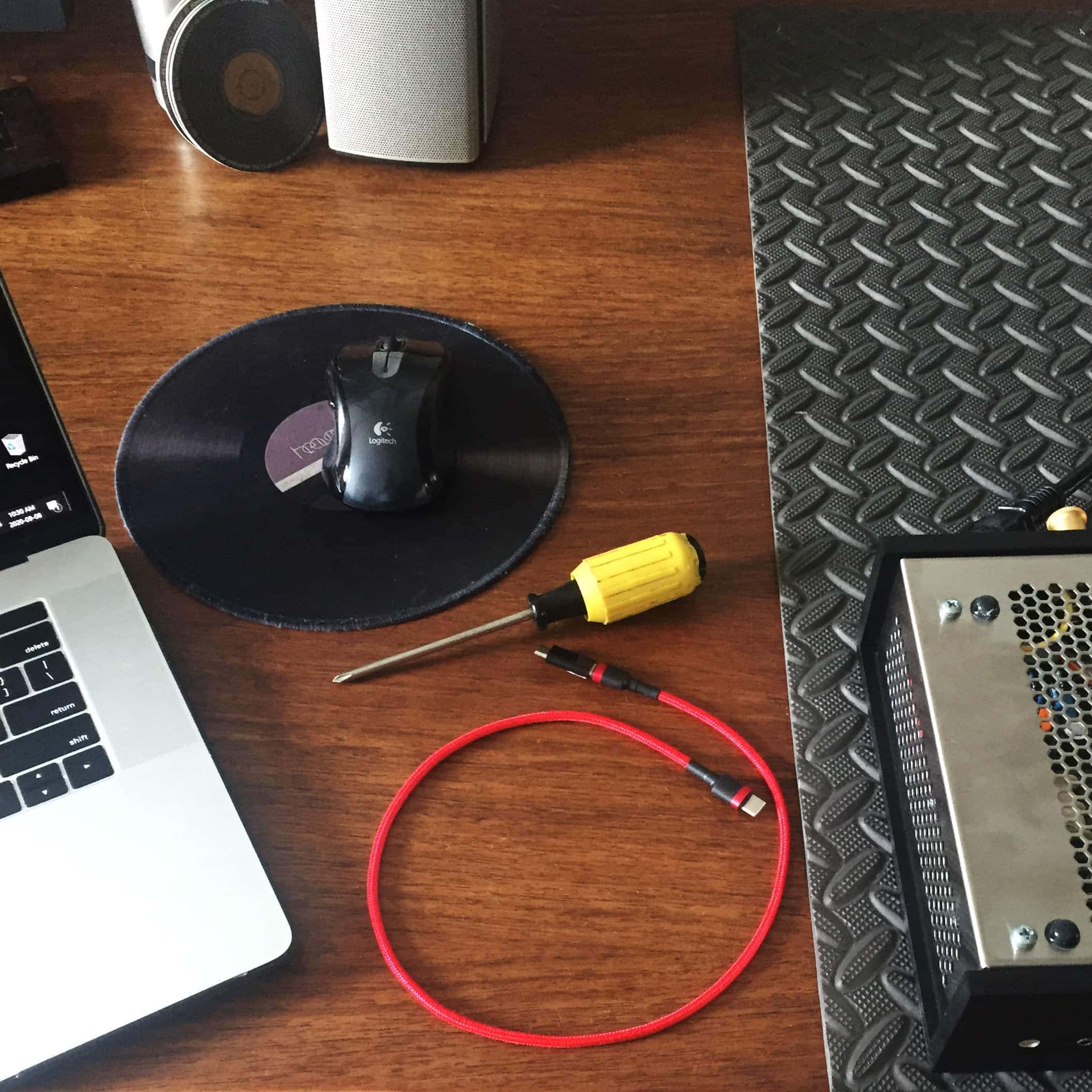
You will need:

– The Billie Update program and firmware: download here
– A Windows PC (or Mac in Bootcamp mode)
– A USB to micro-USB cable (example)
– A Philips screwdriver (cross-shaped head -for older Billie models)
– A padded work surface (a piece of foam or a pillow will do).
 

NOTE | make sure the volume knob has clearance to turn during the update process.
Heaven 11 Billie integrated stereo amplifier: tubes, DAC, bluetooth, design 1IMG 9941
1. With the Billie amp UNPLUGGED, remove the tubes and flip it over on its back making sure the volume knob has clearance to turn.
2. Unscrew the 4 screws holding the cover. Remove the cover by pushing it to one side and lifting the other.
 
NOTE | the amp will reset several times. The volume knob needs to be able to rotate freely. Optionally, you can pull off the volume knob.
Heaven 11 Billie integrated stereo amplifier: tubes, DAC, bluetooth, design 1IMG 4890 scaled
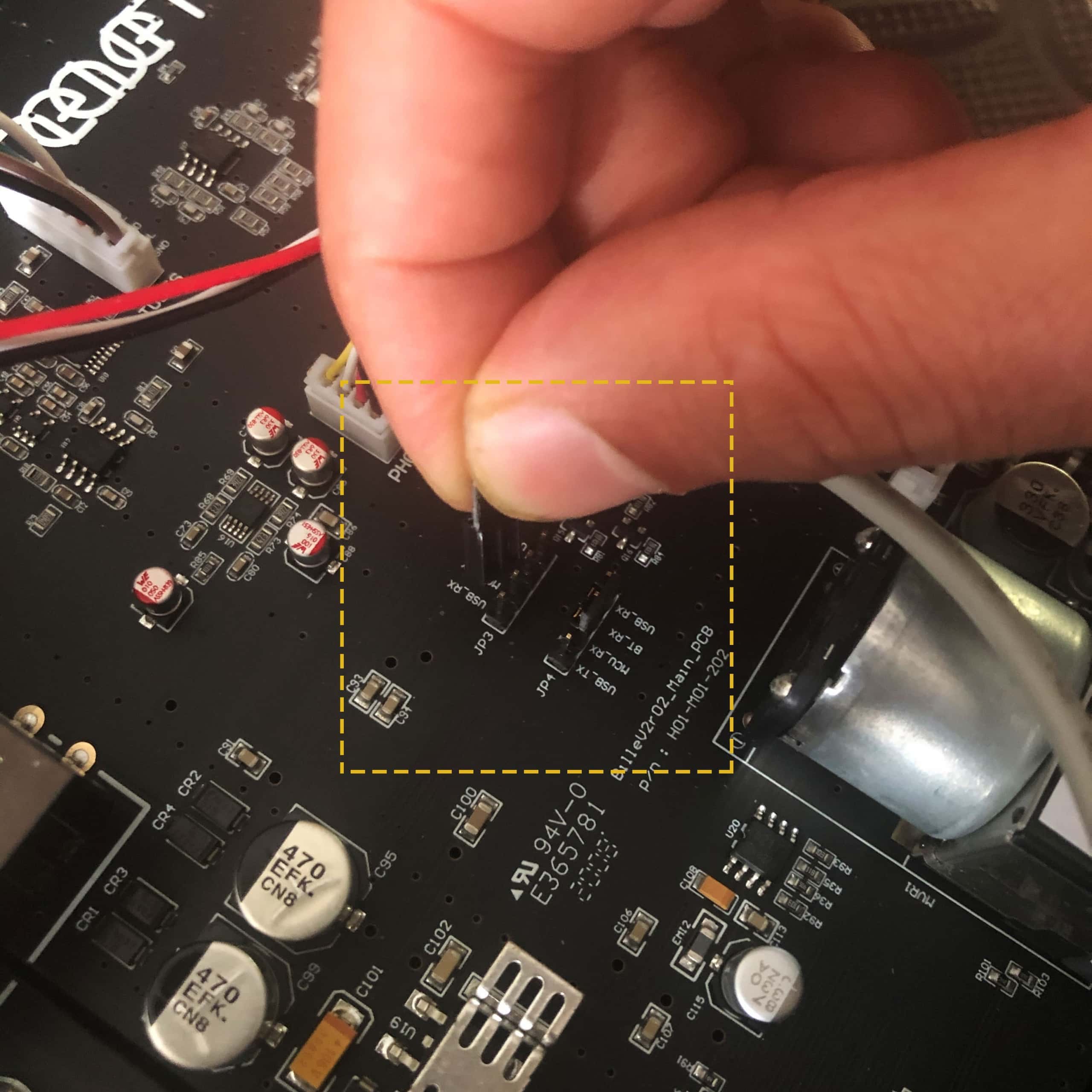
3. With the front of the amp facing you, locate the jumpers near the volume knob and switch them over to the 2 leftmost pins, labeled USB RX & MCU TX and USB TX & MCU RX.
4. Replace cover on the amp (it’s not necessary to screw it on).
5. PLUG the amp and turn on the power switch.
 
DANGER | Risk of electrical shock. Replace cover before powering the amp on.
Heaven 11 Billie integrated stereo amplifier: tubes, DAC, bluetooth, design 1IMG 4355 scaled
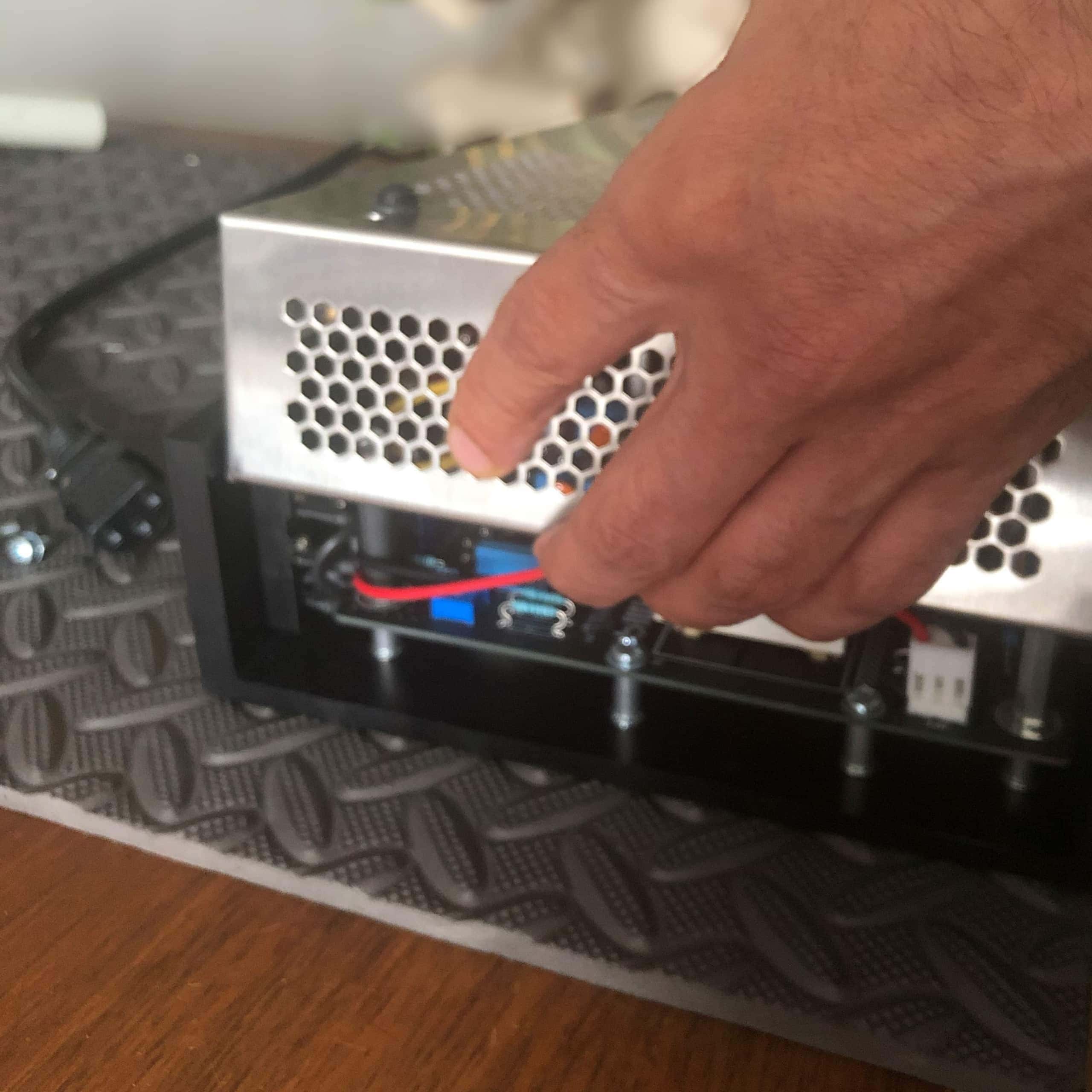
6. Using the USB-to-Micro cable connect the firmware update input on the back of the amp to your PC.
7. Decompress and Install driver: decompress the file by right-clicking and choosing “decompress” or “unzip”. Go into decompress folder and run the Billie updater. Windows may present a warning window, click on “Run Anyway”. If this is the first time you use the Billie Updater, install the Windows driver found in the DRIVER folder (CH34x_Install_Windows_v3_4.exe). A restart is recommended.
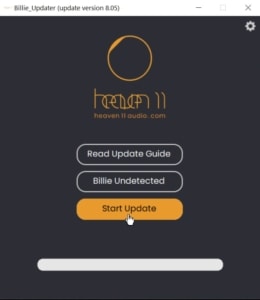
8. Run the Billie Update program:  If all is good and ready, the second button should say ‘Billie Detected’. You are now ready to update. Click the “Start Update” button and wait for update to complete.  If the status bar says “update error”, try again quitting and relaunching app and pressing the update button once more.
 
NOTE | Do not interrupt an update in progress, it could ‘brick’ your amp. Your results may vary, depending on the quality of your cable or USB connection, it may take a couple of tries.
Heaven 11 Billie integrated stereo amplifier: tubes, DAC, bluetooth, design app
9. Once the upload is successful, power off your amp and UNPLUG the amp. Remove the cover.
10. IMPORTANT | Unplug amp. Replace both jumpers to their central position.
11. Screw the cover back on and reinstall the tubes. Your amp is now updated!
Heaven 11 Billie integrated stereo amplifier: tubes, DAC, bluetooth, design 1IMG 5616 scaled